Install a C++ Compiler in Ubuntu 9.04 Jaunty
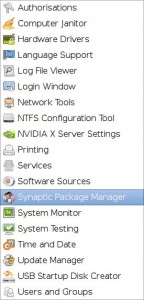
Click the System Menu and then click "Synaptic Package Manager":
Then type gcc into the quick search box. The list may take a moment to update. Then if you don't have a blue box next to gcc like I have in the example then click the empty box and click "Apply" to install the gcc package.
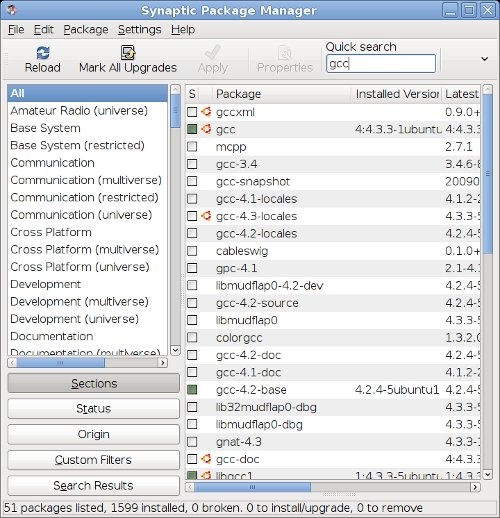
Then type gcc into the quick search box. The list may take a moment to update. Then if you don't have a blue box next to gcc like I have in the example then click the empty box and click "Apply" to install the gcc package.