Gnome-RDP Can't Read .gnome-rdp.db After Ubuntu 9.04 Upgrade
After upgrading to Ubuntu 9.04, Gnome-RDP stopped working. When I opened it I was greeted with the following errors:
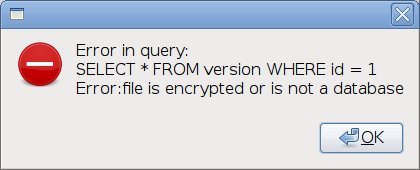
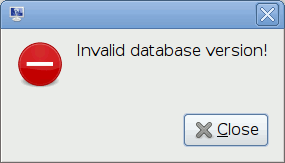
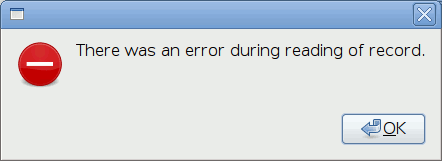
The settings database file has become corrupted or at least it can no longer open it. If you're happy to cut your losses and start with a fresh settings file then run this command to rename your Gnome-RDP database file:
mv ~/.gnome-rdp.db ~/.gnome-rdp.db.damaged
This will mean you lose your Gnome-RDP settings and you will need to re-enter them, however you will be able to use Gnome-RDP again! The file will be renamed to .gnome-rdp.db.damaged so you can retrieve that file in the future.